Go High Level
Written By Andrew Petrovics
Last updated About 1 year ago
Connecting your Go High Level account is easy. Just click the “Connect” button next to Go High Level in your integrations page.

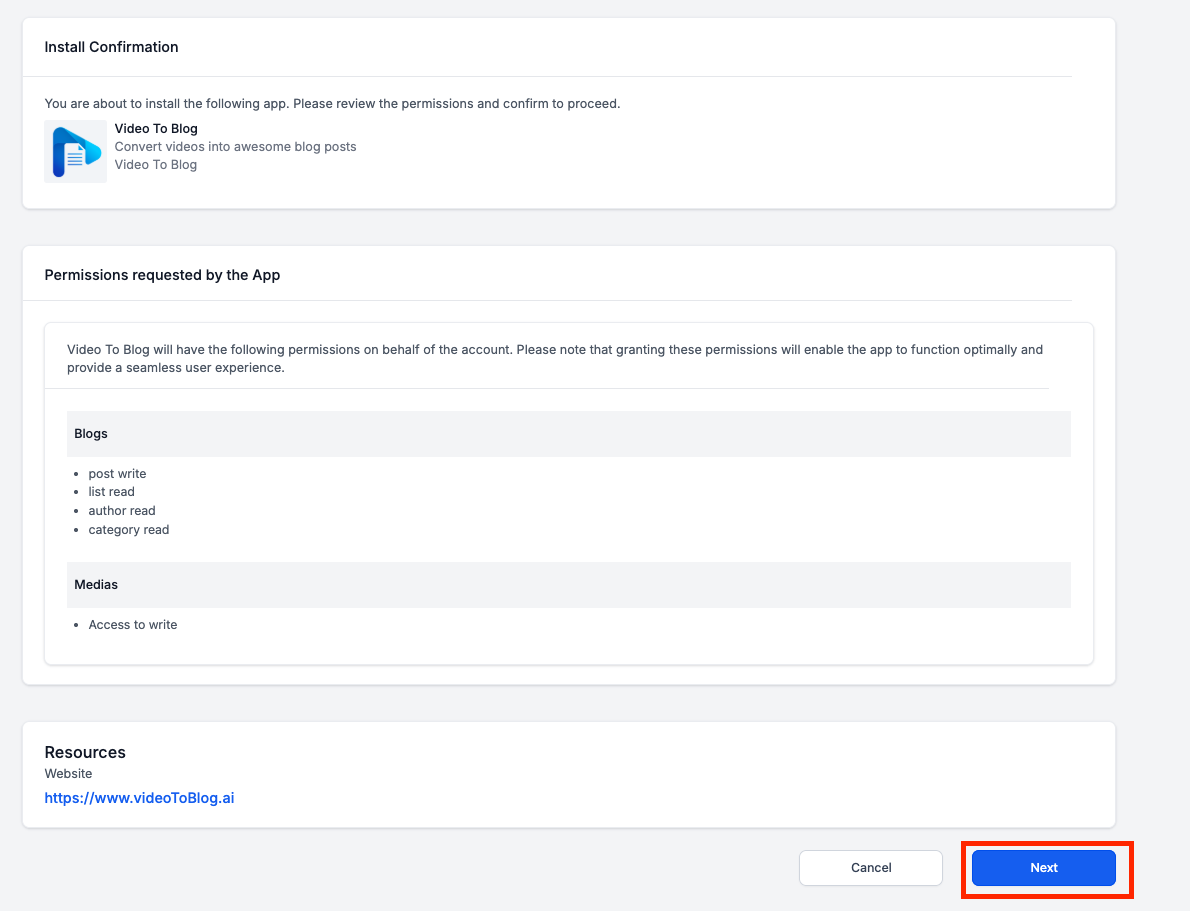
You will then be taken to a confirmation page where the Video To Blog app will be installed. Click the “Next” button.
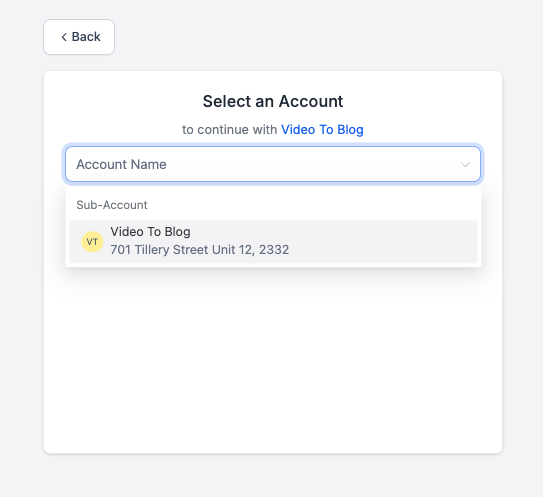
Next, select which account you wish to connect.
That’s it! You should be taken back to the integrations page where it will show a successfully connect Go High Level integration.
Was this helpful?
Still need help? Ask the team