WordPress Plugin
Written By Musab
Last updated 9 months ago
The VideoToBlog WordPress Plugin allows you to seamlessly connect your WordPress site with your Video To Blog account and automatically publish blog posts. In this guide, we’ll walk you through how to set up the plugin, connect it to your account directly, and export your blog post for instant publishing - all directly from your Video To Blog dashboard.
Step 1 - Install VideoToBlog Plugin on Wordpress
Install our plugin on your WordPress site by going to Plugins → Add Plugin.
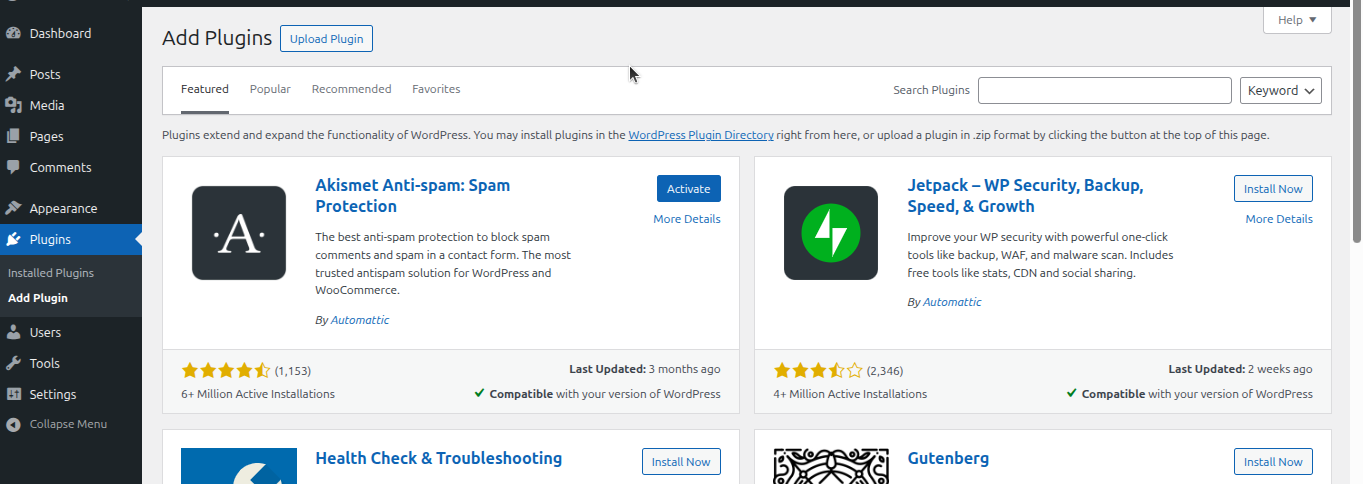
Search for VideoToBlog and then click Install Now.
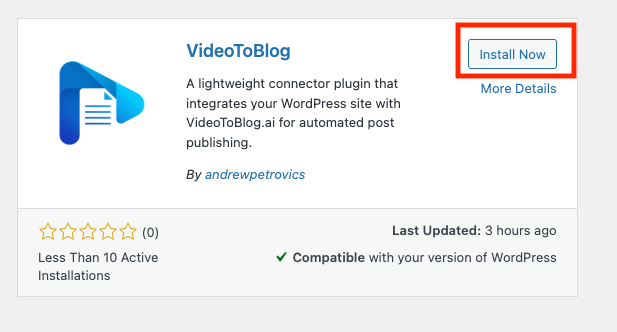
Note: When searching for you plugin use VideoToBlog (all one word).
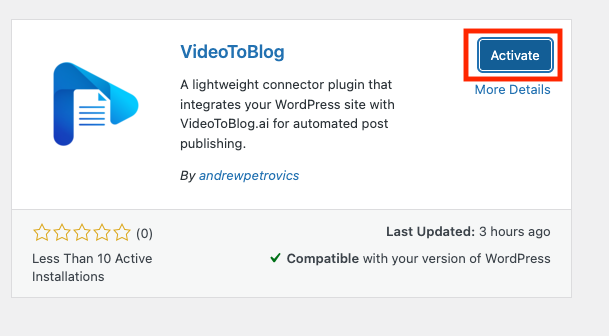
Then, click Activate.
Step 2 - Connect VideoToBlog Plugin
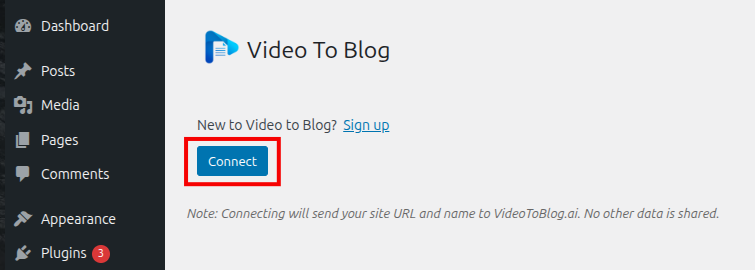
Go to Wordpress Settings→ VideoToBlog
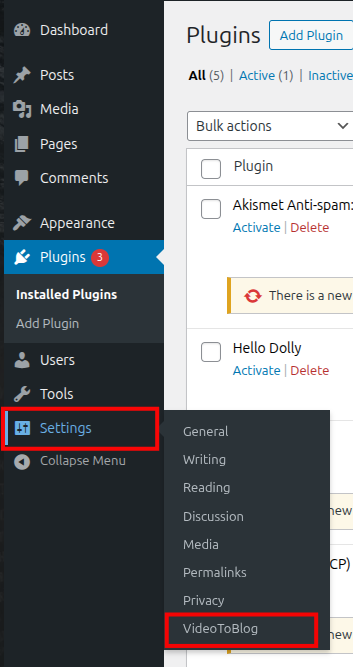
Click Connect and you will be redirected to VideoToBlog.ai.
Click Approve and your site will be connected to your Video To Blog.
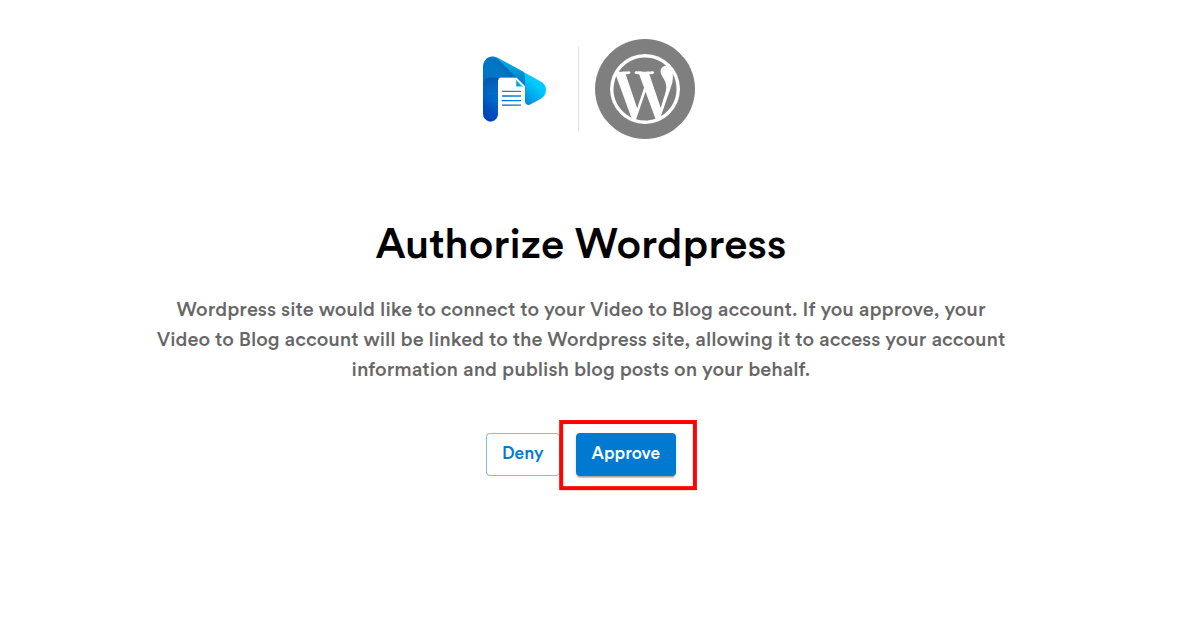
Note: If you’re not already signed in, you’ll be asked to sign in first
Step 3 - Publish Blog Post using VideoToBlog Plugin
In your Video To Blog account, open the post you'd like to publish to WordPress.
Click the Export button located at the top right.

On the "Export" dialog, select the WordPress option.
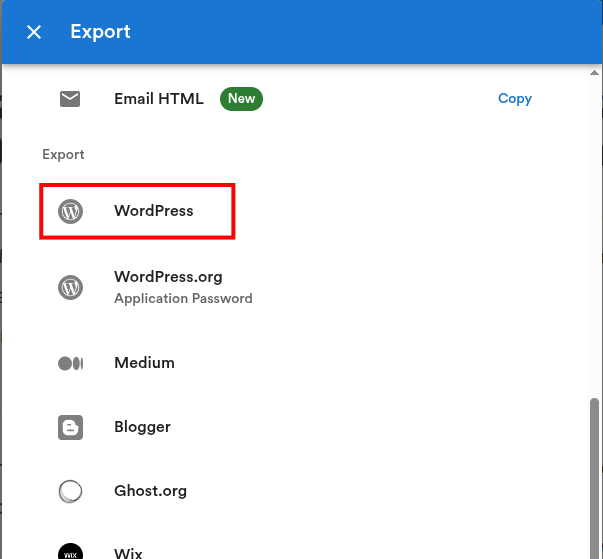
You’ll then see a dialog where you can selected your site (if you have multiple) and make other configurations before publishing.
That’s it!