Updating Email / Password
Written By Andrew Petrovics
Last updated About 1 year ago
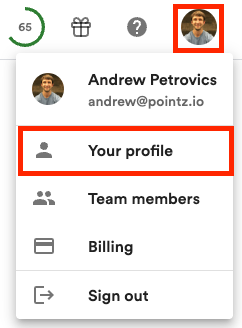
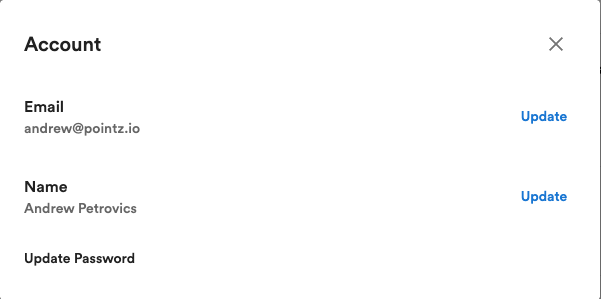
You can update your email in the profile dialog by on your profile avatar (top right of your screen), selecting the “Profile” menu, and the select “Update” button next to your email.
Note: If you signed up with your Google account you will need to first add a password to your account before you can change your email.
To update (or add) a password click on the “Update Password” option. If you signed up with a Google account, you will see a “Add Password” option instead.