Posts
Written By Andrew Petrovics
Last updated About 1 year ago
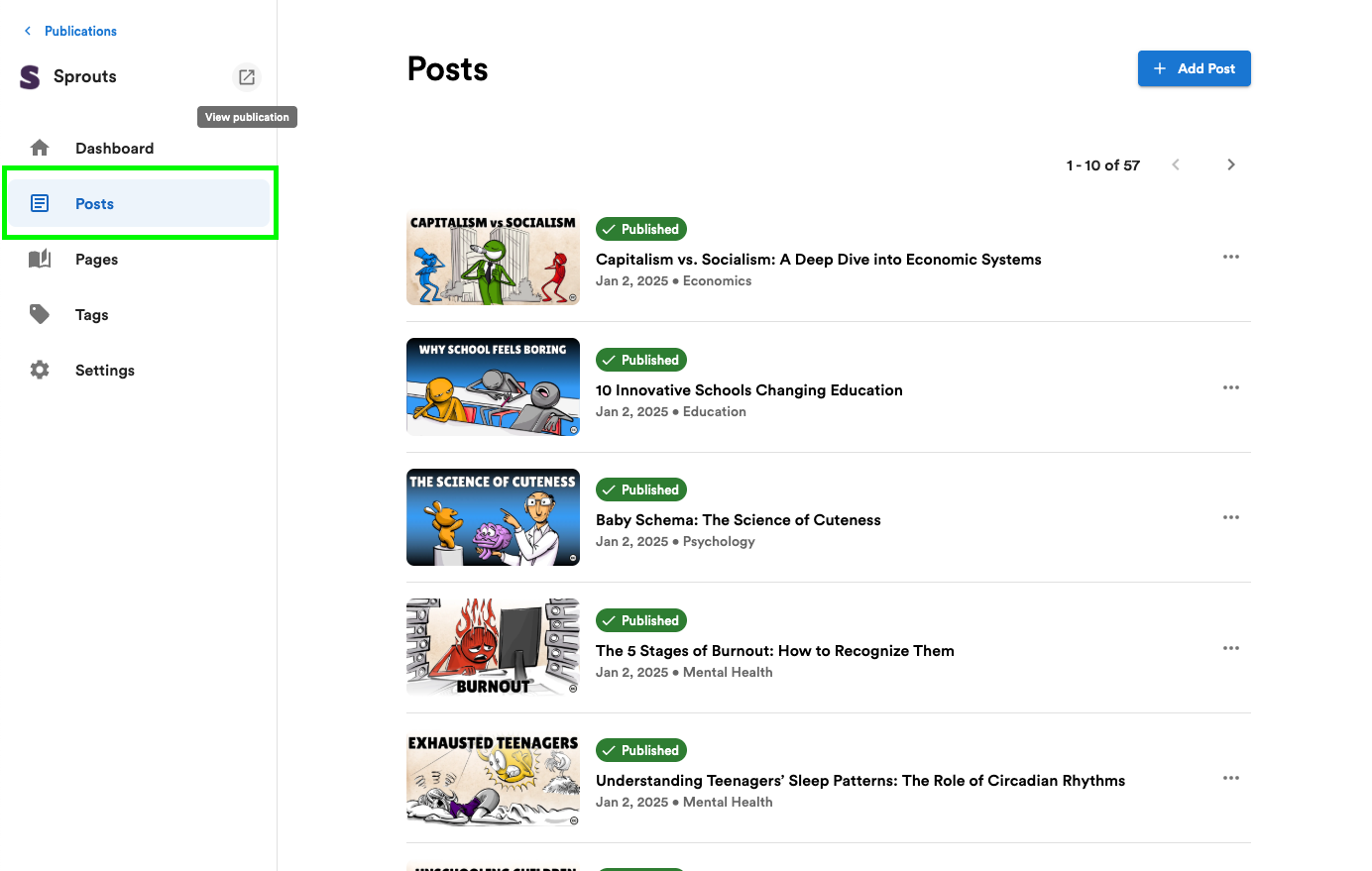
To view and mange your publications posts click the “Posts” menu in your publication’s home page.
Creating Posts
To create a blog post you can do by clicking the “Create Post” button at the top left (make sure you have your publication selected in the drop down box).
To publish a blog post to your publication, all you need to do is click the Publish button.

See Exporting Blog Post a Publication for more info.
Updating Posts
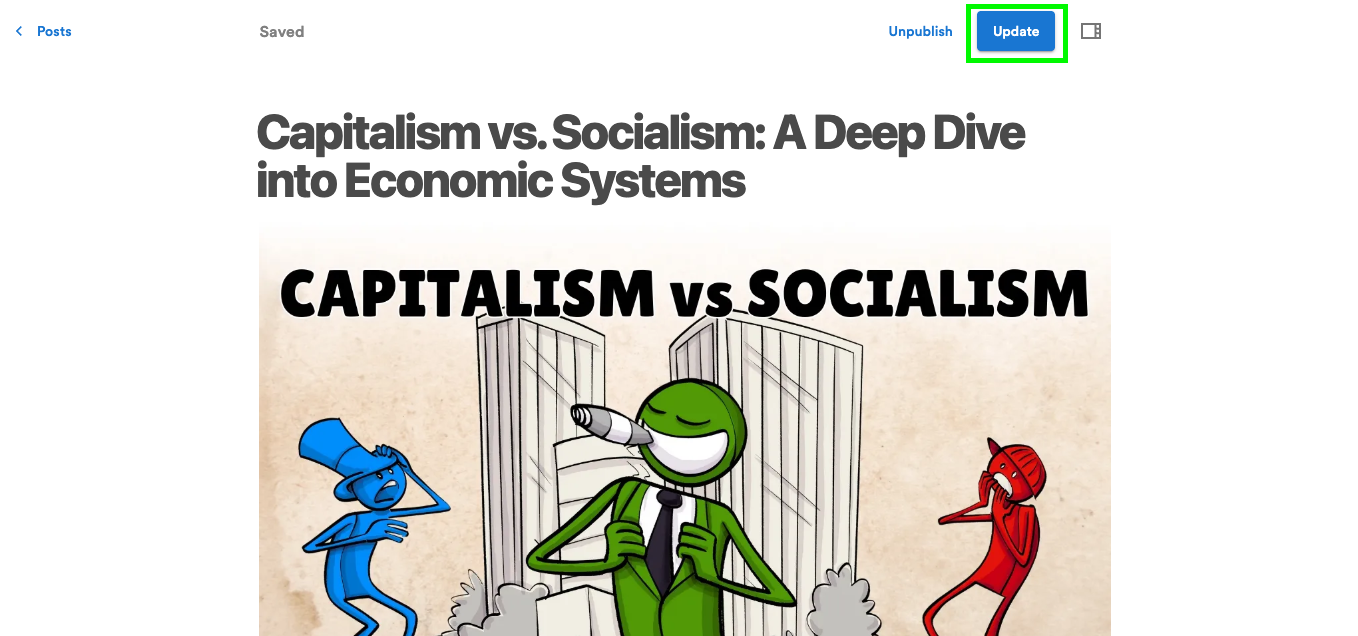
You can update your already published blog post at any time by making any change you need and the clicking the “Update” button.
Update Post Settings
To update a published blog post’s settings (like metadata data, featured image, etc.) click on the icon button to the top right.

This will bring up the Blog Settings side bar where you can make any changes to any published settings.

Any changes made to these settings will be published and live right away.
Unpublish Posts
You can always unpublish your blog post by pressing the “Unpublish” button (shown two screenshots above).