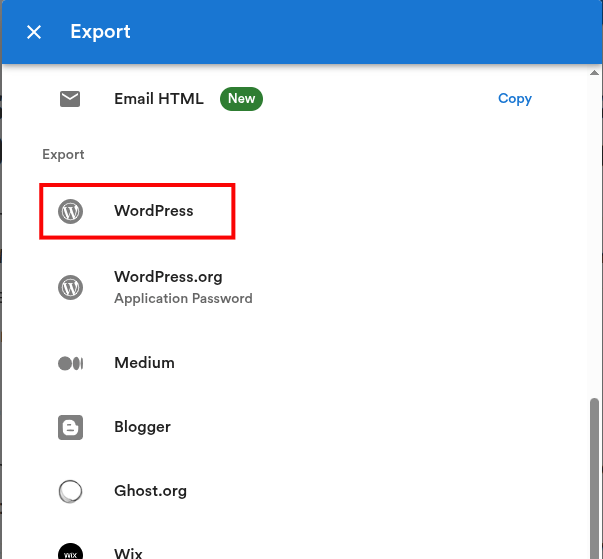
Step 1 - Install VideoToBlog Plugin on Wordpress
-
Install our plugin on your WordPress site by going to Plugins → Add Plugin.
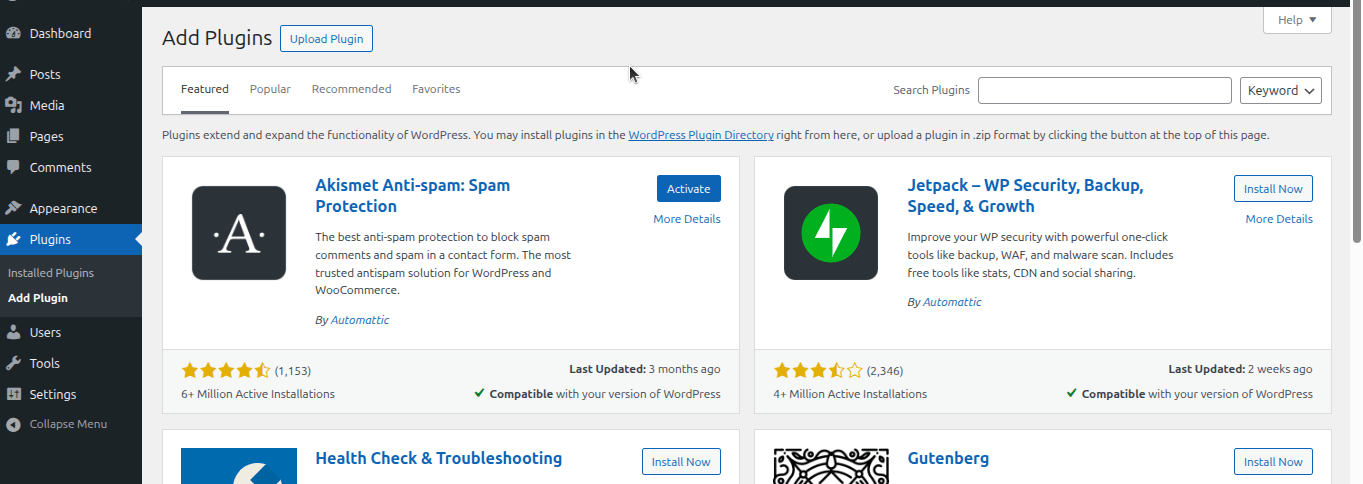
-
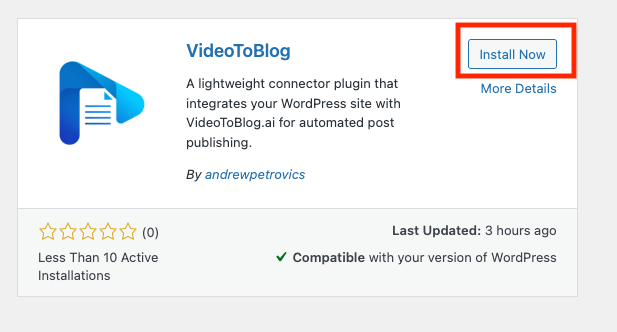
Search for VideoToBlog and then click Install Now.
-
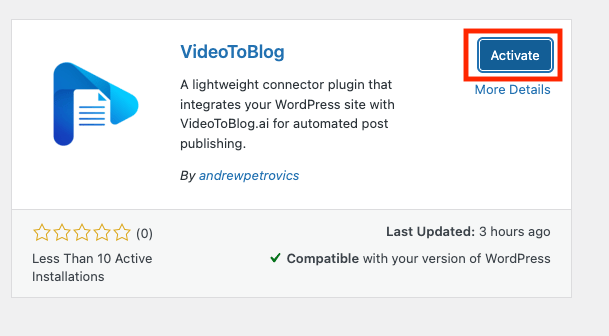
Then, click Activate.
Step 2 - Connect VideoToBlog Plugin
-
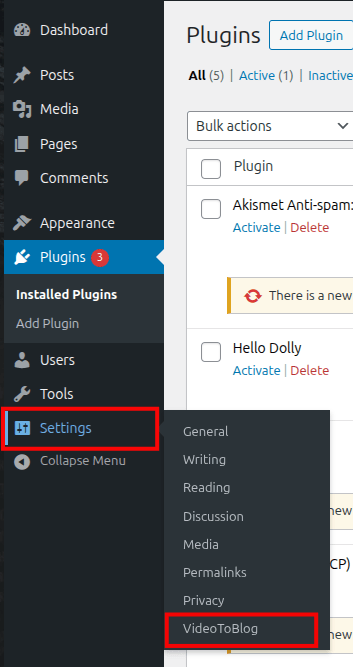
Go to Wordpress Settings→ VideoToBlog
-
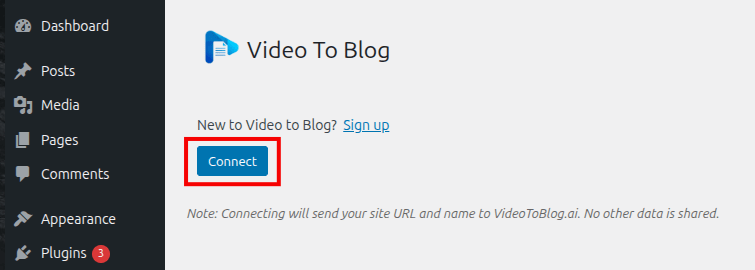
Click Connect and you will be redirected to VideoToBlog.ai .
-
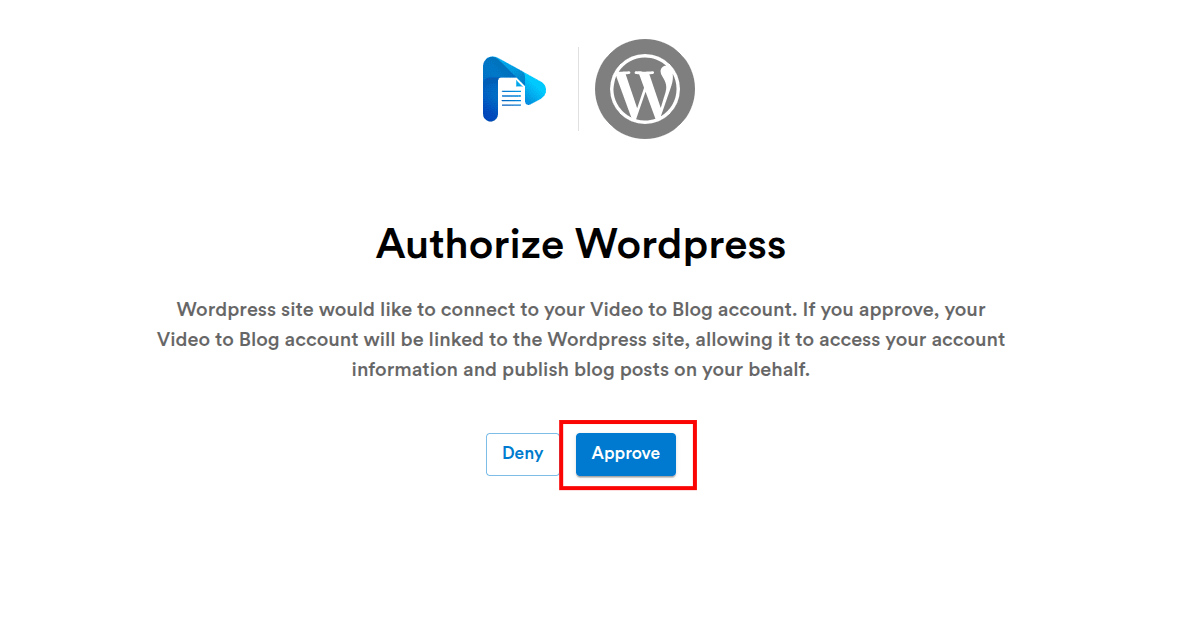
Click Approve and your site will be connected to your Video To Blog.
Step 3 - Publish Blog Post using VideoToBlog Plugin
- In your Video To Blog account, open the post you’d like to publish to WordPress.
- Click the Export button located at the top right.

-
On the “Export” dialog, select the WordPress option.